Communications articles can now be added and updated via webhook
A&S Communications
 Department Homepage
The College of Arts & Sciences
Department Homepage
The College of Arts & Sciences


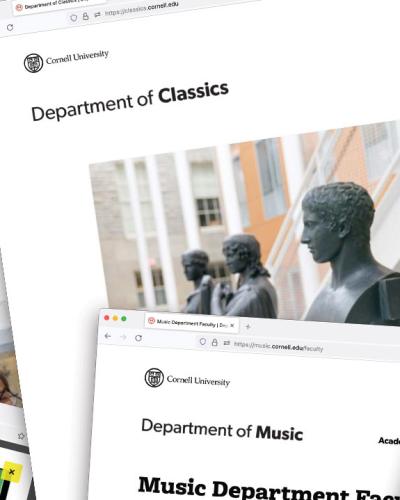



News articles can now be added and updated on a department website via webhooks.
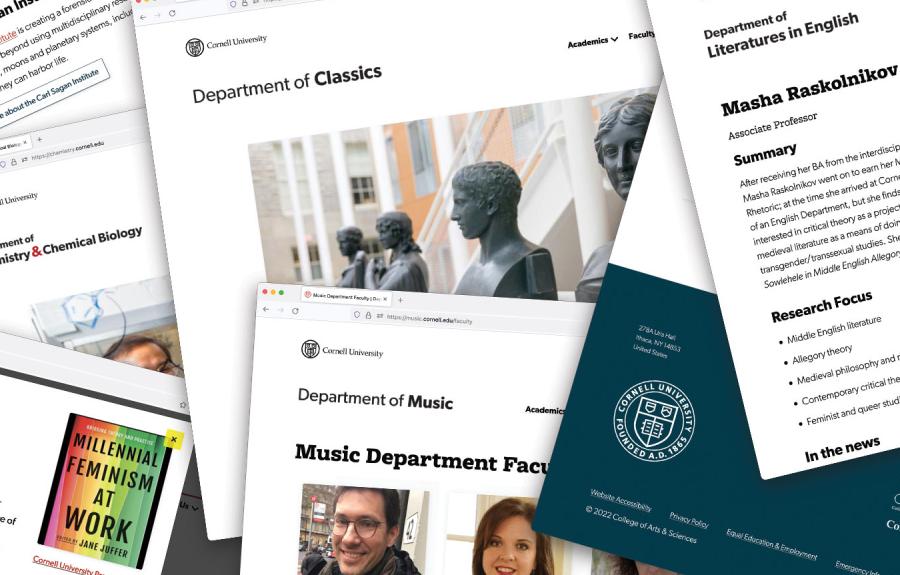
Lorem ipsum dolor sit amet, consectetur adipiscing elit. Donec vel viverra ipsum. Vestibulum at ullamcorper ante. Cras iaculis commodo tortor, sit amet semper libero mollis at. Curabitur congue est eu magna ornare laoreet. Donec ultricies lacus ut lacinia dignissim. Pellentesque purus lorem, gravida at semper eu, rutrum sed libero. Pellentesque tempus suscipit eros. Duis rhoncus…
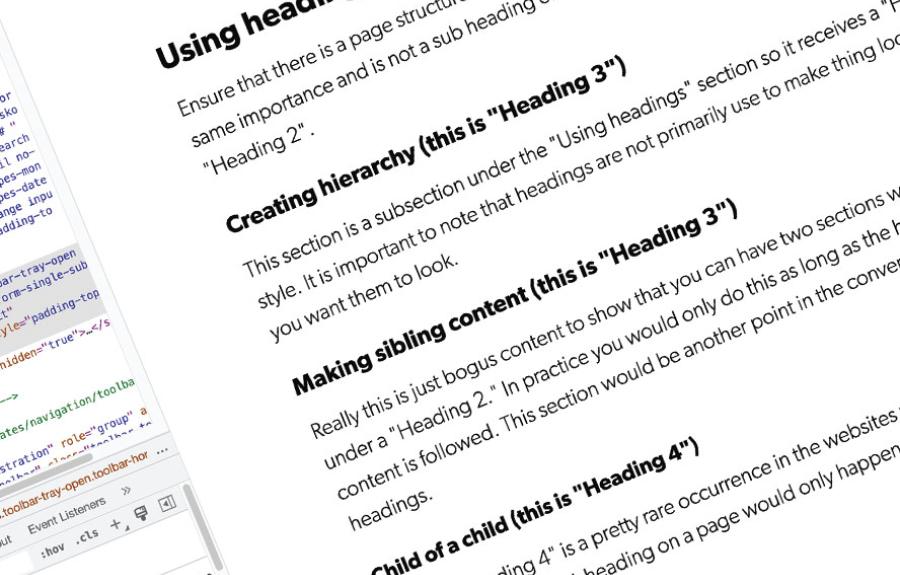
Lorem ipsum dolor sit amet, consectetur adipiscing elit. Donec vel viverra ipsum. Vestibulum at ullamcorper ante. Cras iaculis commodo tortor, sit amet semper libero mollis at. Curabitur congue est eu magna ornare laoreet. Donec ultricies lacus ut lacinia dignissim. Pellentesque purus lorem, gravida at semper eu, rutrum sed libero. Pellentesque tempus suscipit eros. Duis rhoncus…

Lorem ipsum dolor sit amet, consectetur adipiscing elit. Donec vel viverra ipsum. Vestibulum at ullamcorper ante. Cras iaculis commodo tortor, sit amet semper libero mollis at. Curabitur congue est eu magna ornare laoreet. Donec ultricies lacus ut lacinia dignissim. Pellentesque purus lorem, gravida at semper eu, rutrum sed libero. Pellentesque tempus suscipit eros. Duis rhoncus…
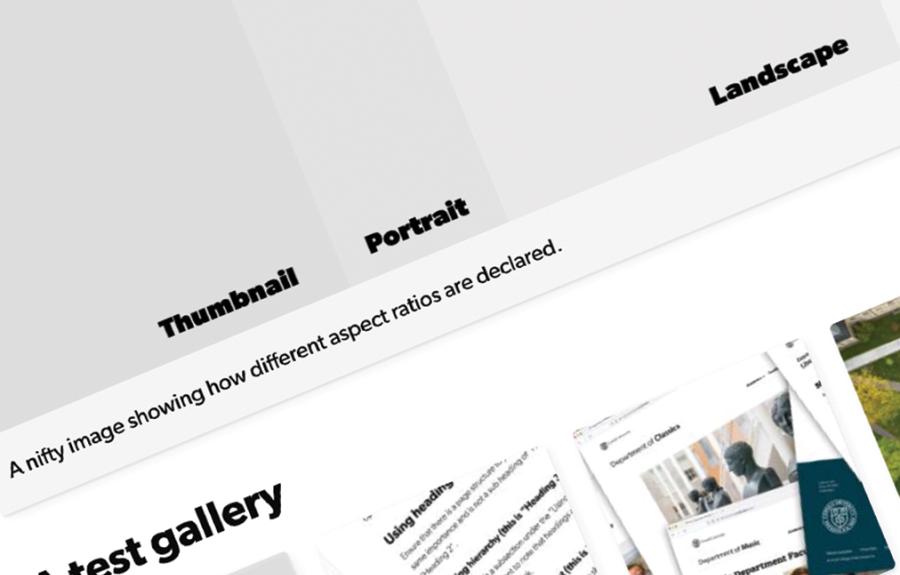
Lorem ipsum dolor sit amet, consectetur adipiscing elit. Donec vel viverra ipsum. Vestibulum at ullamcorper ante. Cras iaculis commodo tortor, sit amet semper libero mollis at. Curabitur congue est eu magna ornare laoreet. Donec ultricies lacus ut lacinia dignissim. Pellentesque purus lorem, gravida at semper eu, rutrum sed libero. Pellentesque tempus suscipit eros. Duis rhoncus…
Lorem ipsum dolor sit amet, consectetur adipiscing elit. Donec vel viverra ipsum. Vestibulum at ullamcorper ante. Cras iaculis commodo tortor, sit amet semper libero mollis at. Curabitur congue est eu magna ornare laoreet. Donec ultricies lacus ut lacinia dignissim. Pellentesque purus lorem, gravida at semper eu, rutrum sed libero. Pellentesque tempus suscipit eros. Duis rhoncus…

Web Design and Development Manager

Web Developer

Writer and Social Media Manager

News and Media Relations Manager

Assistant Dean of Communications
Web Design and Development Manager
Web Developer
Writer and Social Media Manager
News and Media Relations Manager
Assistant Dean of Communications

Design and Marketing Specialist

Writer
News and Media Relations Manager

Digital Content Coordinator
Writer and Social Media Manager
Web Design and Development Manager
Assistant Dean of Communications
Web Developer

This week I'm going to show you how to make a fixed-position navigation bar change color when you scroll into new sections.
I've seen this come up a few times in the GreenSock forums and I had a student recently ask specifically about this.
Although on the surface this looks like it should be dead-simple, there's actually a little twist involved and it took me a little time to figure it out (with a tip I saw from Jack of GreenSock).

The content browser allows you to find any page or article that exists on your department site. Enter a search term in the "Title" field (it will only search page titles, not the content of page bodies), and then click "Filter" to search. Using the following filters, you can sort your search results:

I'm an 'eyebrow'
The content browser allows you to find any page or article that exists on your department site. Enter a search term in the "Title" field (it will only search page titles, not the content of page bodies), and then click "Filter" to search. Using the following filters, you can sort your search results:
This week I'm going to show you how to make a fixed-position navigation bar change color when you scroll into new sections.
I've seen this come up a few times in the GreenSock forums and I had a student recently ask specifically about this.
Although on the surface this looks like it should be dead-simple, there's actually a little twist involved and it took me a little time to figure it out (with a tip I saw from Jack of GreenSock).
The content browser allows you to find any page or article that exists on your department site. Enter a search term in the "Title" field (it will only search page titles, not the content of page bodies), and then click "Filter" to search. Using the following filters, you can sort your search results:
I'm an 'eyebrow'
The content browser allows you to find any page or article that exists on your department site. Enter a search term in the "Title" field (it will only search page titles, not the content of page bodies), and then click "Filter" to search. Using the following filters, you can sort your search results:
This week I'm going to show you how to make a fixed-position navigation bar change color when you scroll into new sections.
I've seen this come up a few times in the GreenSock forums and I had a student recently ask specifically about this.
Although on the surface this looks like it should be dead-simple, there's actually a little twist involved and it took me a little time to figure it out (with a tip I saw from Jack of GreenSock).
The content browser allows you to find any page or article that exists on your department site. Enter a search term in the "Title" field (it will only search page titles, not the content of page bodies), and then click "Filter" to search. Using the following filters, you can sort your search results:
I'm an 'eyebrow'
The content browser allows you to find any page or article that exists on your department site. Enter a search term in the "Title" field (it will only search page titles, not the content of page bodies), and then click "Filter" to search. Using the following filters, you can sort your search results:
Web Design and Development Manager
Digital Content Coordinator
Writer and Social Media Manager
Design and Marketing Specialist
News and Media Relations Manager
Web Design and Development Manager
Digital Content Coordinator
Writer and Social Media Manager
Design and Marketing Specialist
News and Media Relations Manager
Web Design and Development Manager
Digital Content Coordinator
Writer and Social Media Manager
Design and Marketing Specialist
News and Media Relations Manager